December 23rd, 2025
Importing a database via a .bacpac file on MacOS
As a .NET developer working on MacOS, you’ll likely run into a situation where you’re trying to use a backed up version of your SQLServer database and do some testing. But, you’ll find that the current release of VSCode’s MSSQL package doesn’t support .bacpac imports right now. It is in preview though!
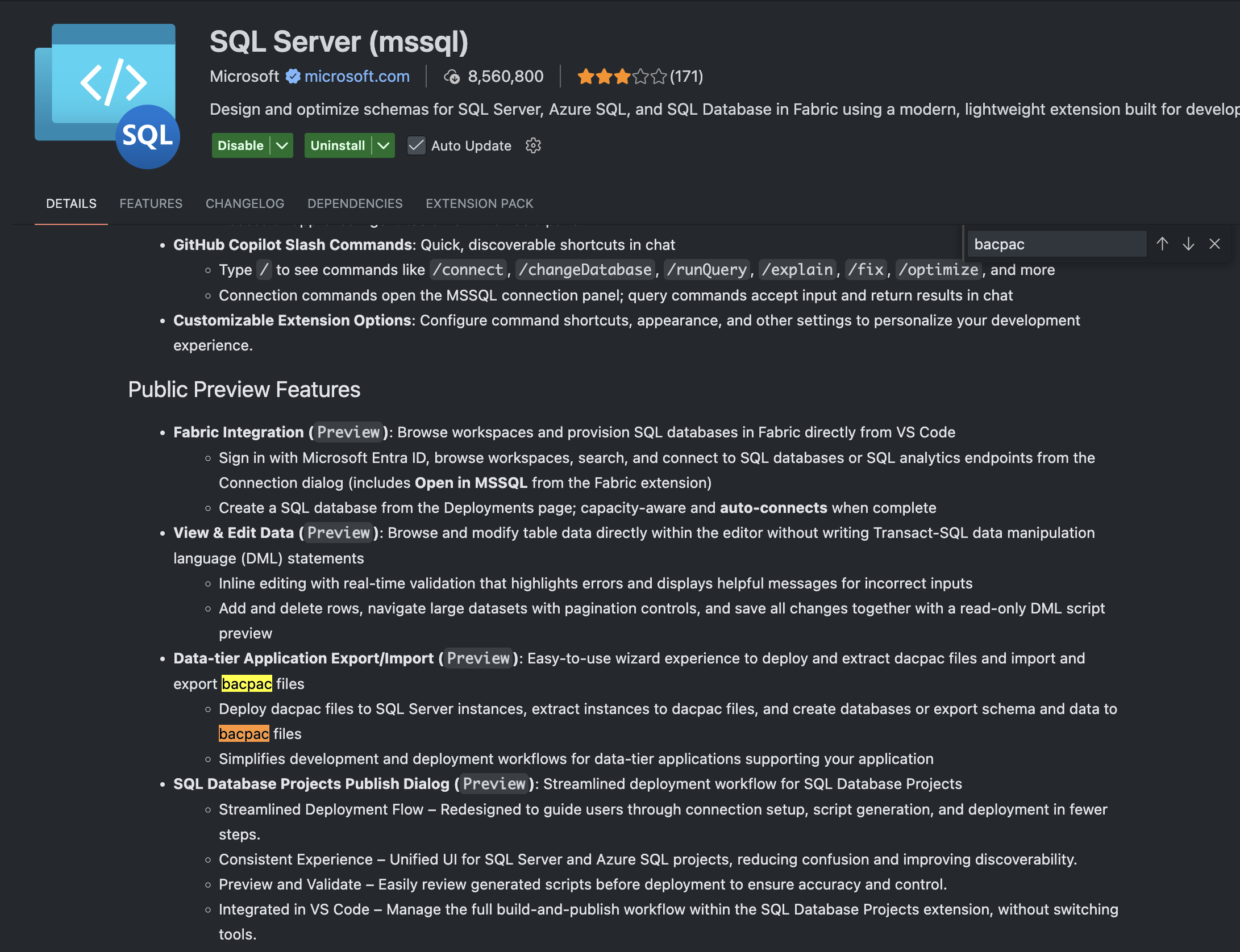
Figure: VSCode | MSSQL extension page | .bacpac in the preview
What can you do now?
Well, so if the recommended tool, VSCode, can’t help us. What do we do? Well, the way I think is good for now is to use the SqlPackage command line tool to get this work done.
Simply run: dotnet tool install -g microsoft.sqlpackage and that’ll install it as a global .NET CLI tool. You might want to intuitively install it with brew. But, this is some misinformation that I’ve spotted floating around. It’s not on brew so don’t bother.
After that you can use this CLI tool to run an import. The command template is:
sqlpackage /Action:Import \
  /SourceFile:{thenameofyourbacpac}.bacpac \
  /TargetServerName:{servername} \
  /TargetDatabaseName:{databasename} \
  /TargetUser:{username} \
  /TargetPassword:{password} \
  /TargetTrustServerCertificate:{true/false - this is also optional}
Run that, pointed at your database and you’ll end up doing a nice little import. From the CLI, no need for tools. YAY!
Using AI to generate the command
If you’re working with a SQL Server connection string and want to quickly convert it to a SqlPackage command, you can use AI to help. Here’s a prompt that works great:
I have a SQL Server connection string and a .bacpac file. Please transform this connection string into a sqlpackage CLI import command.

Connection String: {your-connection-string}
Bacpac File: {filename}.bacpac

Requirements:
- Use /Action:Import
- Extract the server, database, user, and password from the connection string
- Include /TargetTrustServerCertificate:true if needed
- Format the command with proper line breaks for readability
This will save you from manually parsing the connection string and mapping each parameter to the correct SqlPackage argument.